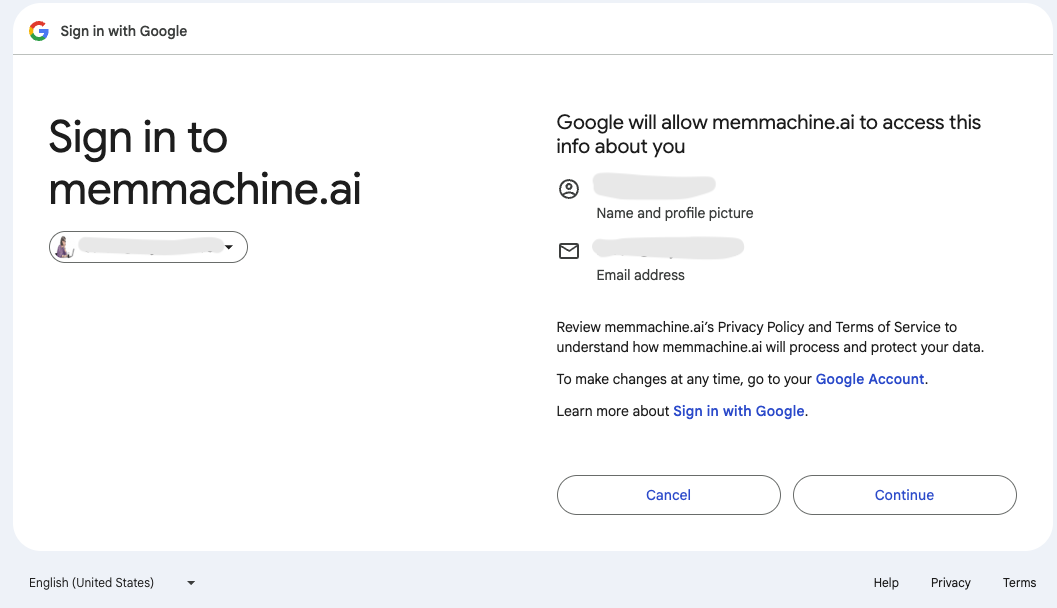
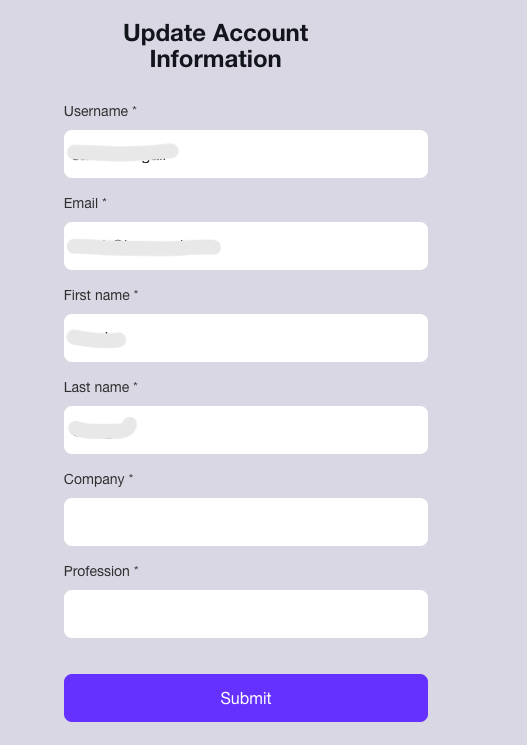
Welcome to the MemMachine Platform User Guide! This page provides step-by-step instructions on how to register for a new account and log in to the MemMachine Platform.

Accessing the Platform

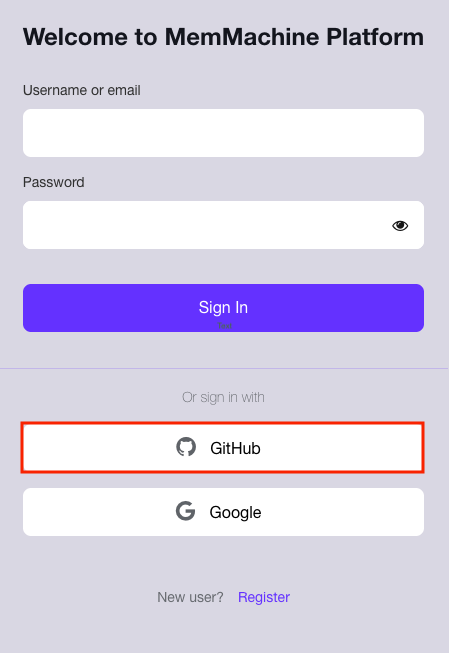
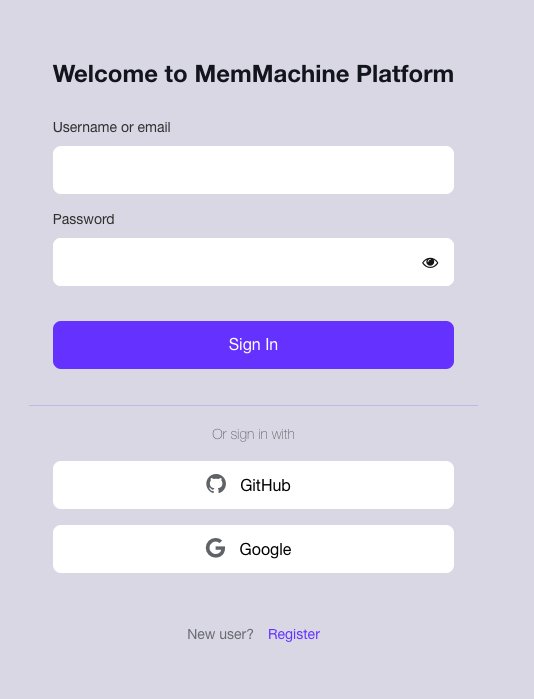
Navigate to the MemMachine Platform URL (e.g., https://console.memmachine.ai) in your web browser. You will be presented with the primary Login screen: Login Page
New User Registration

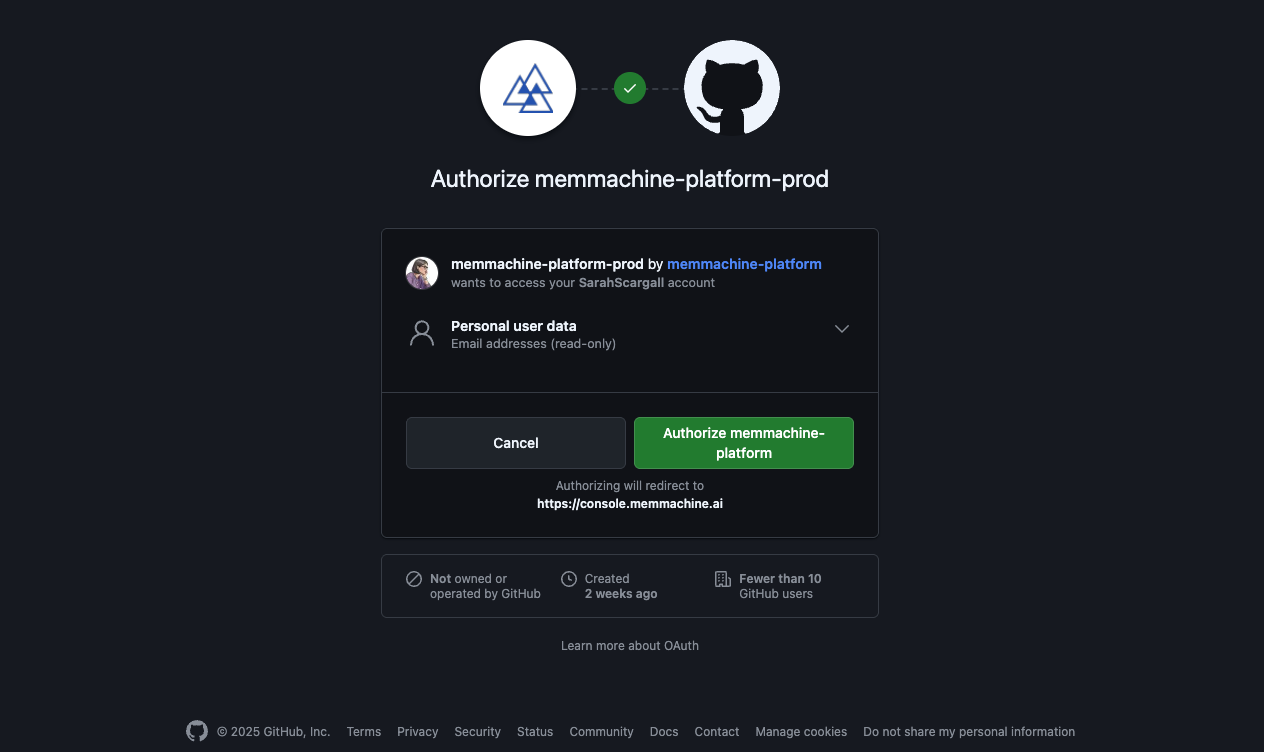
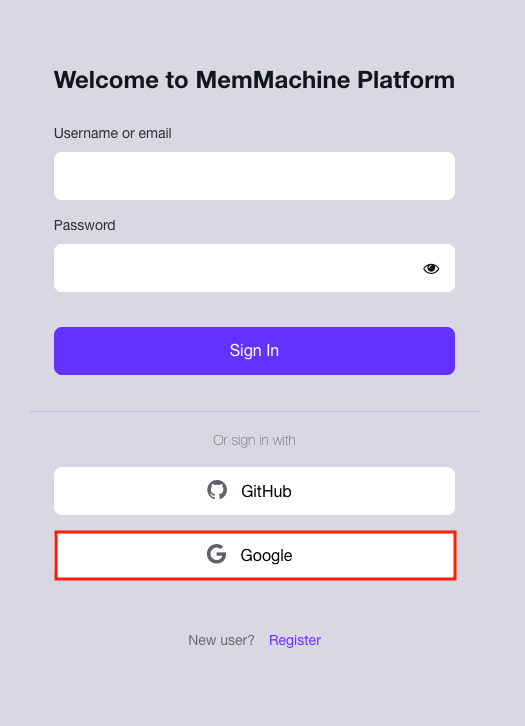
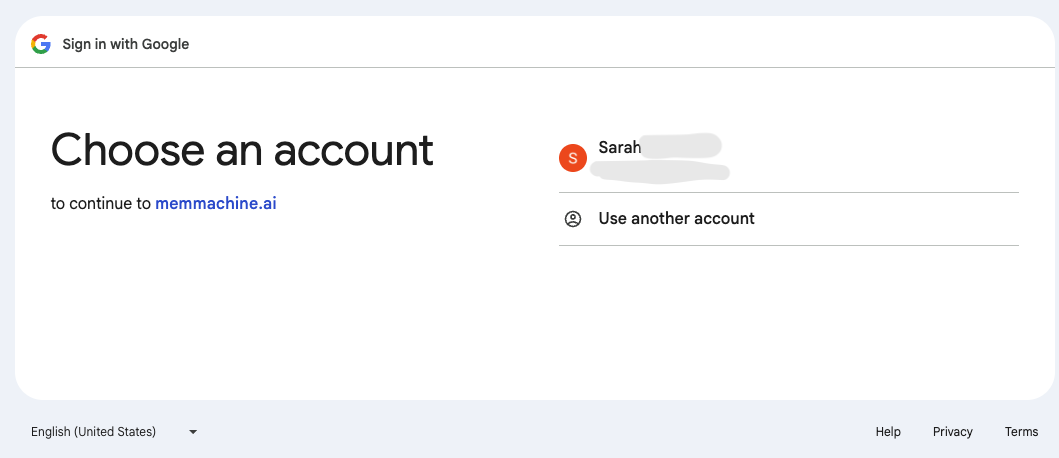
If you are a new user, you must first register for an account using one of the three available methods: Username/Email, GitHub, or Google Authorization.
1

Start the Registration Process

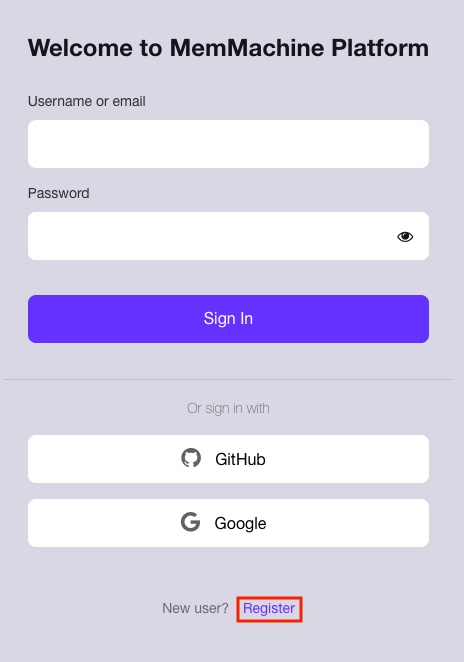
On the main login screen, click the Register link located at the bottom of the form.New User Register Link
2

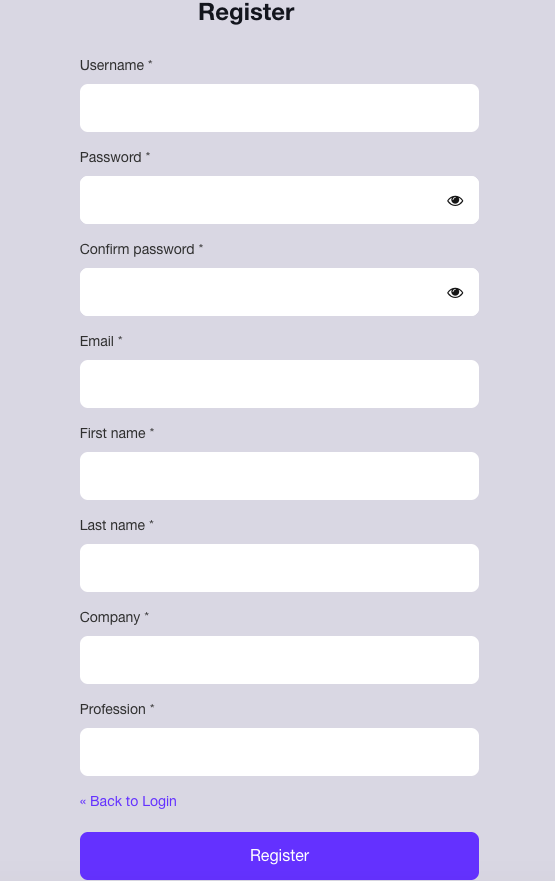
Complete the Registration Form

Fill out all fields marked with an asterisk (*) on the Registration form.Login PasswordAfter completing the required fields, click the blue Register button to finalize your registration. You will then be automatically directed to the MemMachine Platform Console.
User Login

Once your account is registered, you can log in directly using the method you established during registration (Username/Email, GitHub, or Google). Simply return to the main login screen and enter your credentials or click the appropriate third-party login button.